Control hanging on the phone
Control hanging
Control hanging on the phone
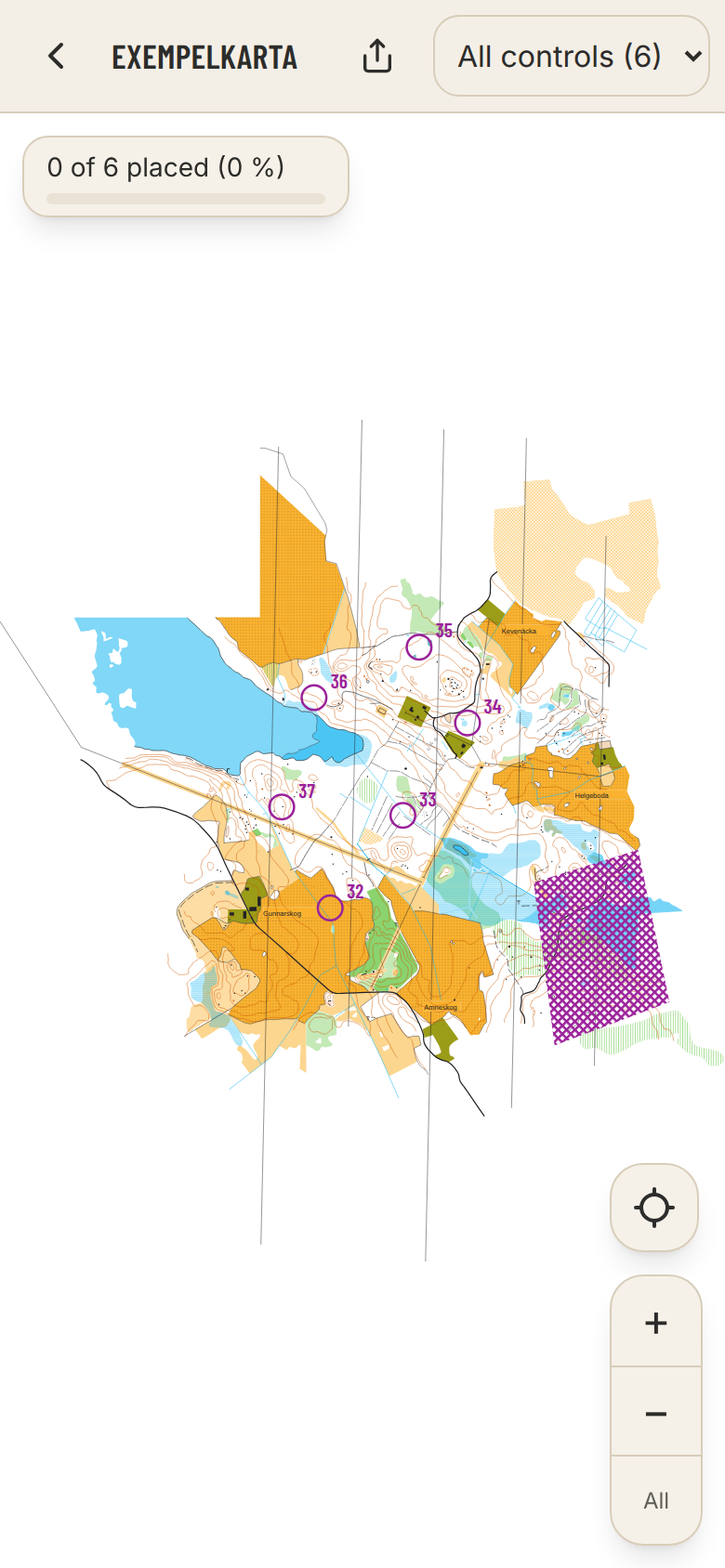
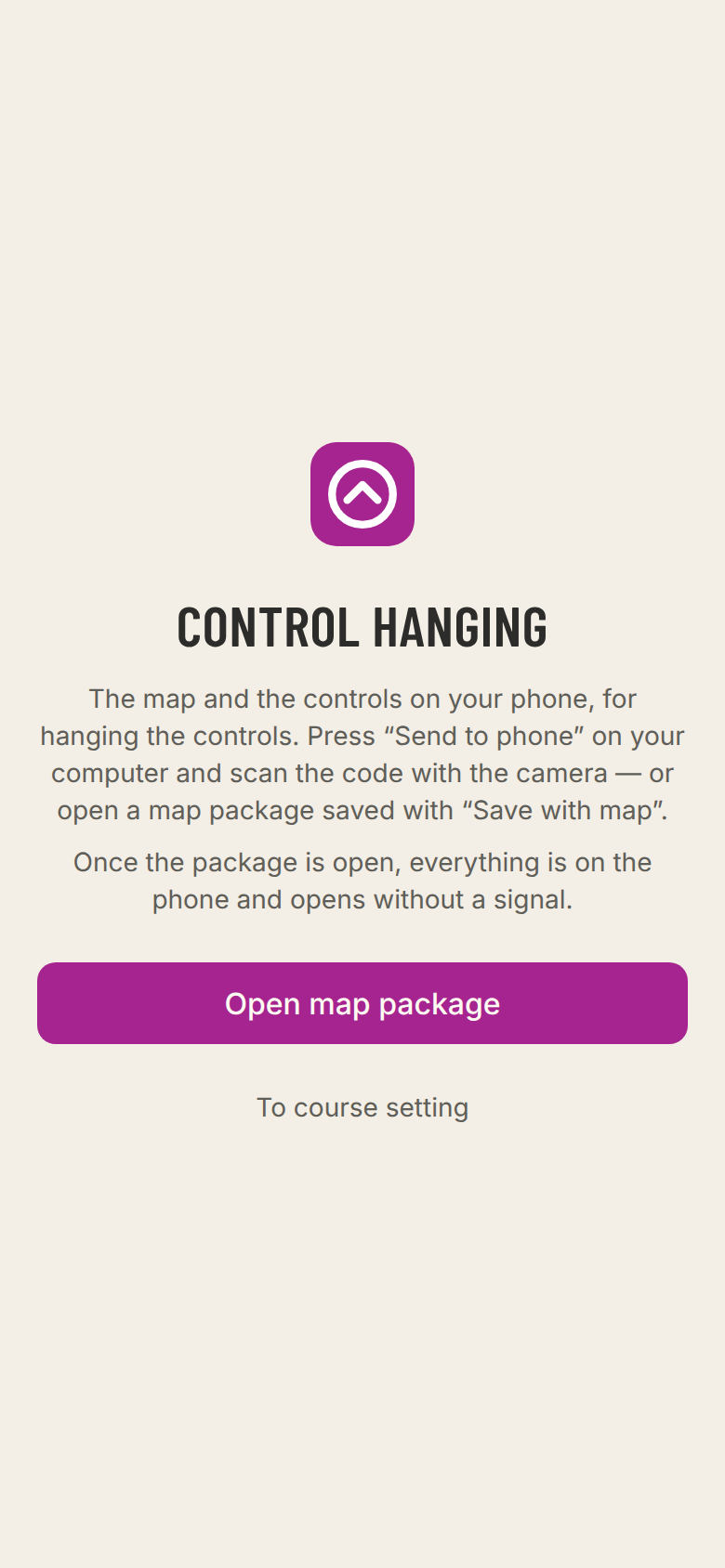
At course.controlfreak.se/utsattning the phone shows the map with the controls. There you tick off what is done as you go.
- Show
- All controls, or one course at a time.
- Show my position
- Your GPS position on the map. Press again to make the map follow you. Needs an OCAD or Mapper map with a coordinate system.
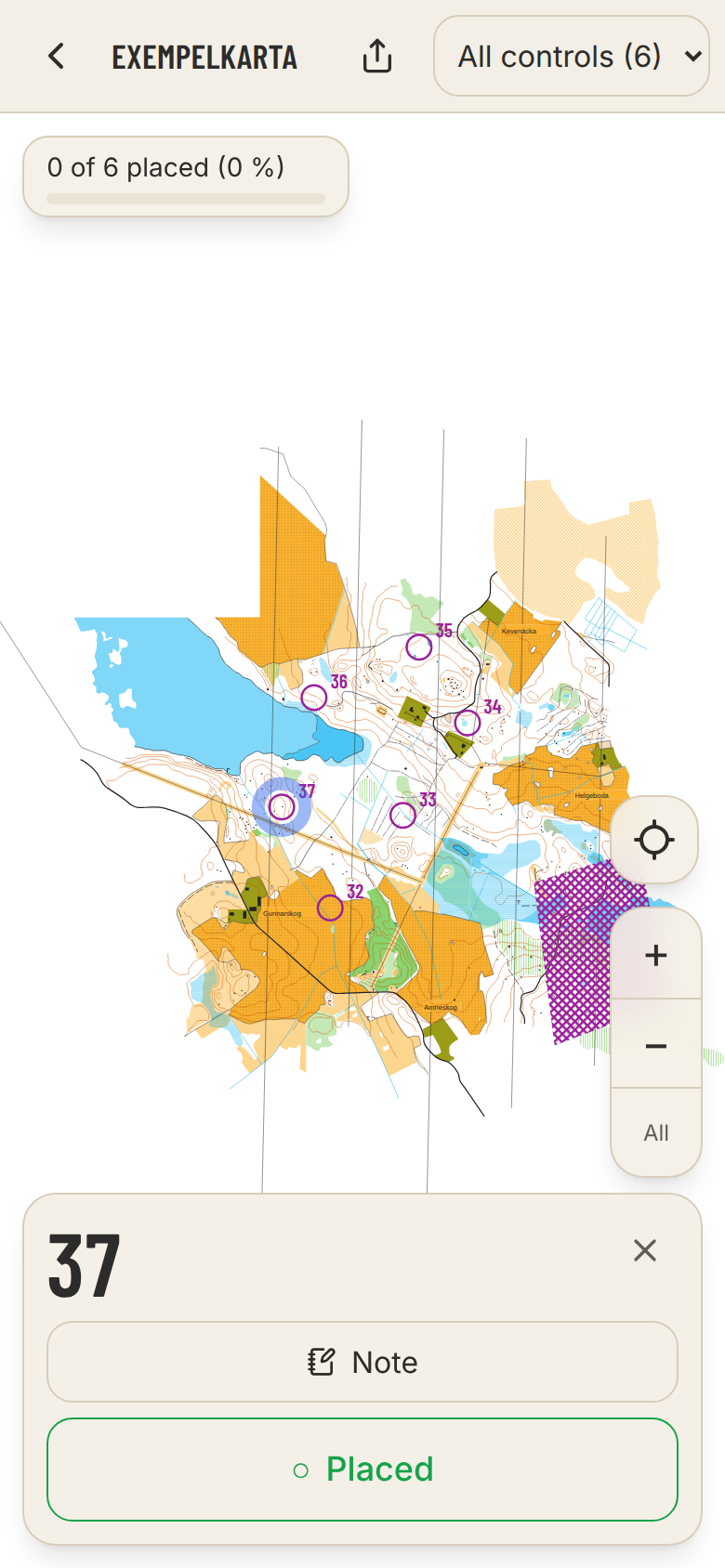
- Tap a control
- Tick Placed and your own fields, and write a note — where the flag hangs, for example.
- The progress bar
- How many are left. Tap it to choose which tick it counts.
- If the link opened in an app's own browser, such as Messenger's, the GPS does not work. Open the page in Safari or Chrome.
- Indoors the GPS signal rarely gets through. Go outside under open sky.