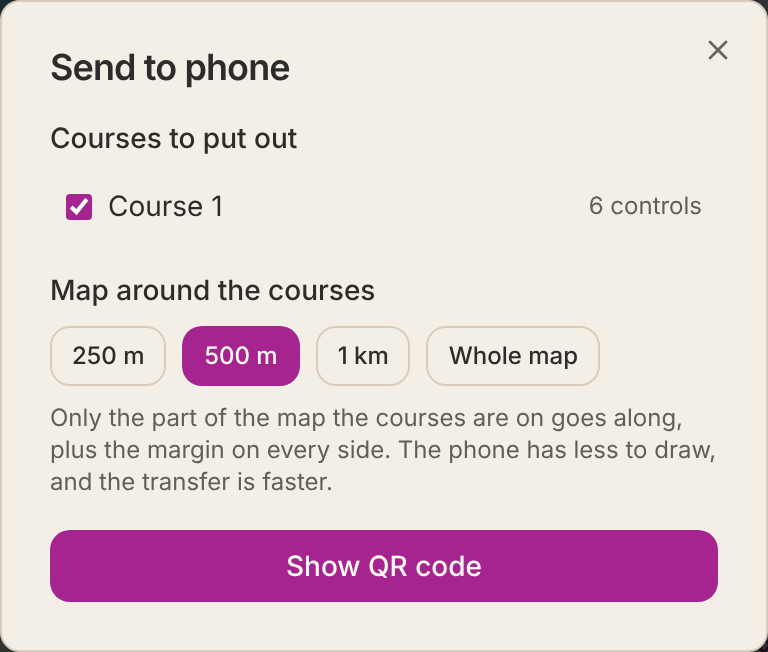
Send to the phone
Control hanging
Send to the phone
The map and the courses come with you into the forest on the phone. The transfer goes directly between the computer and the phone, encrypted, and nothing is uploaded.
- 1Unfold Control placing by phone and press Send to phone.
- 2Choose which courses to put out and how much map around them to include.
- 3Press Show QR code and scan it with the phone's camera.
- 4The phone opens the control hanging mode with the map. It stays there, also without signal.
- If the computer and phone cannot reach each other — it happens on hotel and guest networks — you can choose Send through Cloudflare. The map then passes encrypted through their server and is not stored there.
- You can also press Save with map and send the file by AirDrop or email. Open it at course.controlfreak.se/utsattning.