Your own fields and collecting ticks
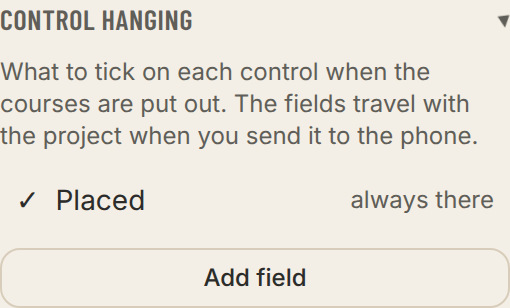
Control hanging
Your own fields and collecting ticks
What was ticked on the phone can be brought back to the computer, so you can see which controls are out.
- 1Add your own fields under Control placing by phone in the left panel before sending to the phone, for example Taped or Punch checked (advanced). Placed is always there.
- 2Back at the computer: press Collect ticks from phone and scan the code with the phone.
- 3The ticks are merged with those already there, so you can collect from several phones, one at a time.
- Hanging status
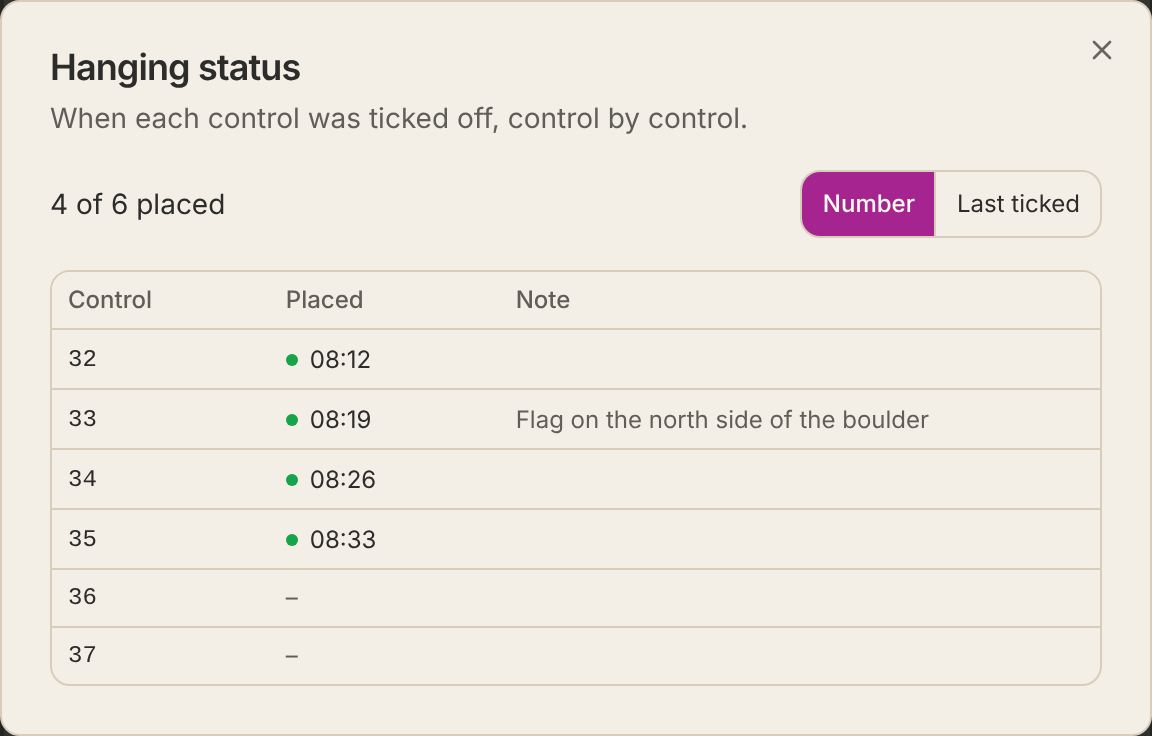
- Press a status line under Control placing by phone, for example 4 of 6 placed, to see a table of every control: when it was ticked off in each field and what was noted. Sort by Number or Last ticked.
- It works as a file too: press Send ticks on the phone and open the file on the computer with Open file.
- Show the remaining lists the codes not yet placed.