Open a map
Getting started
Open a map
ControlFreak runs entirely in the browser. The map and the courses are opened on your computer and never uploaded anywhere — no account needed.
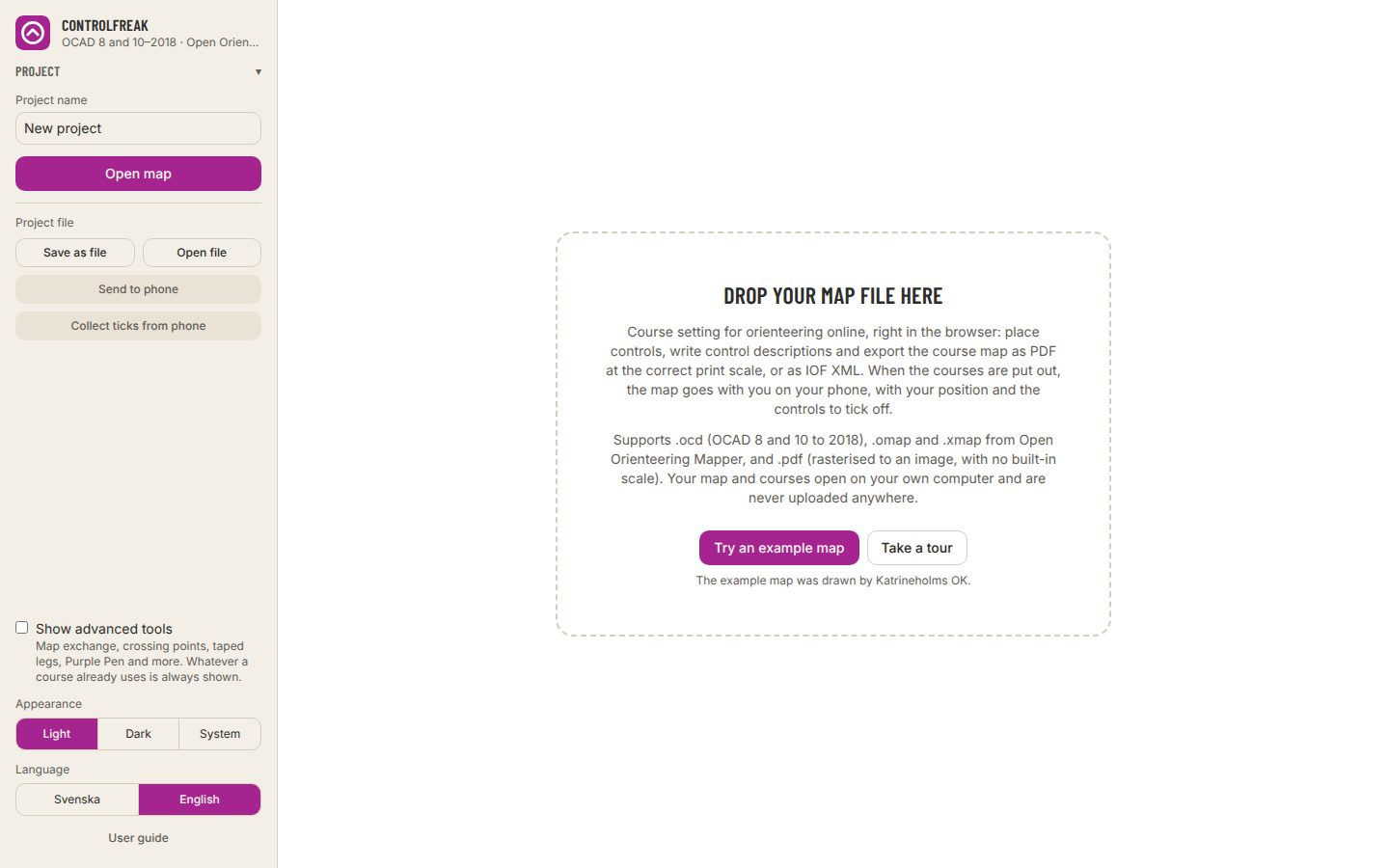
- 1Go to course.controlfreak.se/en and press Get started.
- 2Drop the map file on the area in the middle of the screen, or press Open map in the panel on the left.
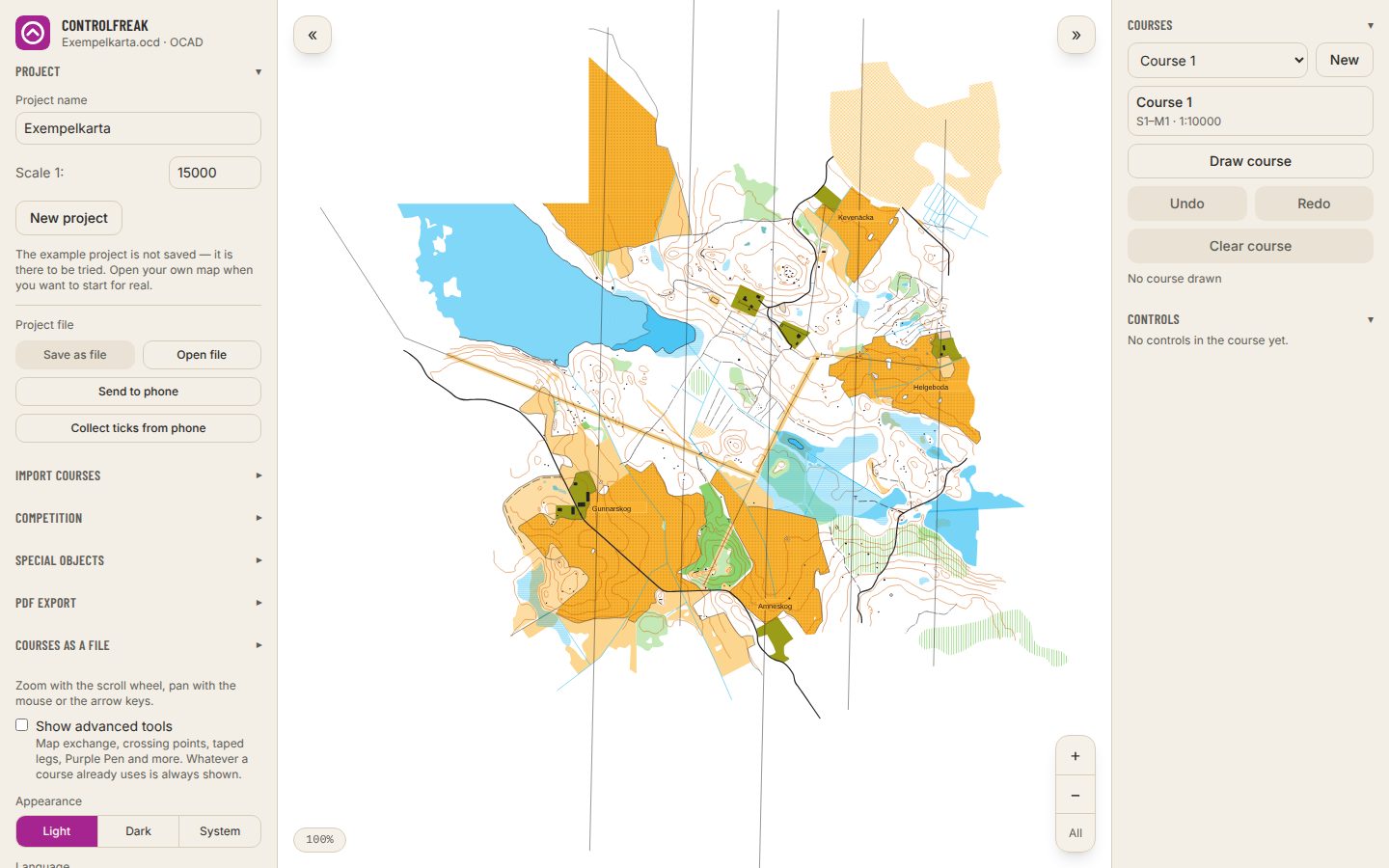
- 3Just want to try: press Try an example map, or Take a tour for a walk through the app, part by part.
- OCAD
- .ocd from OCAD 8 and 10 to 2018.
- Open Orienteering Mapper
- .omap and .xmap.
- Rasterised to an image with no built-in scale — the app asks for the print scale before you continue.
- The example project is not saved. Open your own map when you want to start for real.
- Course setting is made for a computer or a tablet. On a phone, the control hanging mode is the one to use.