Controls and control descriptions
Course setting
Controls and control descriptions
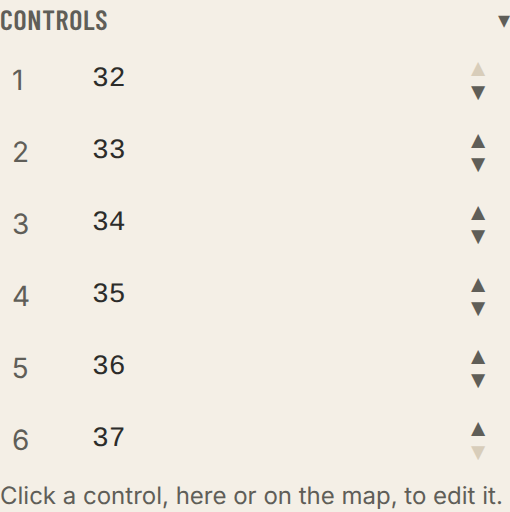
Under Controls the course's controls are listed in order. Click a row — or the control on the map — to edit it.
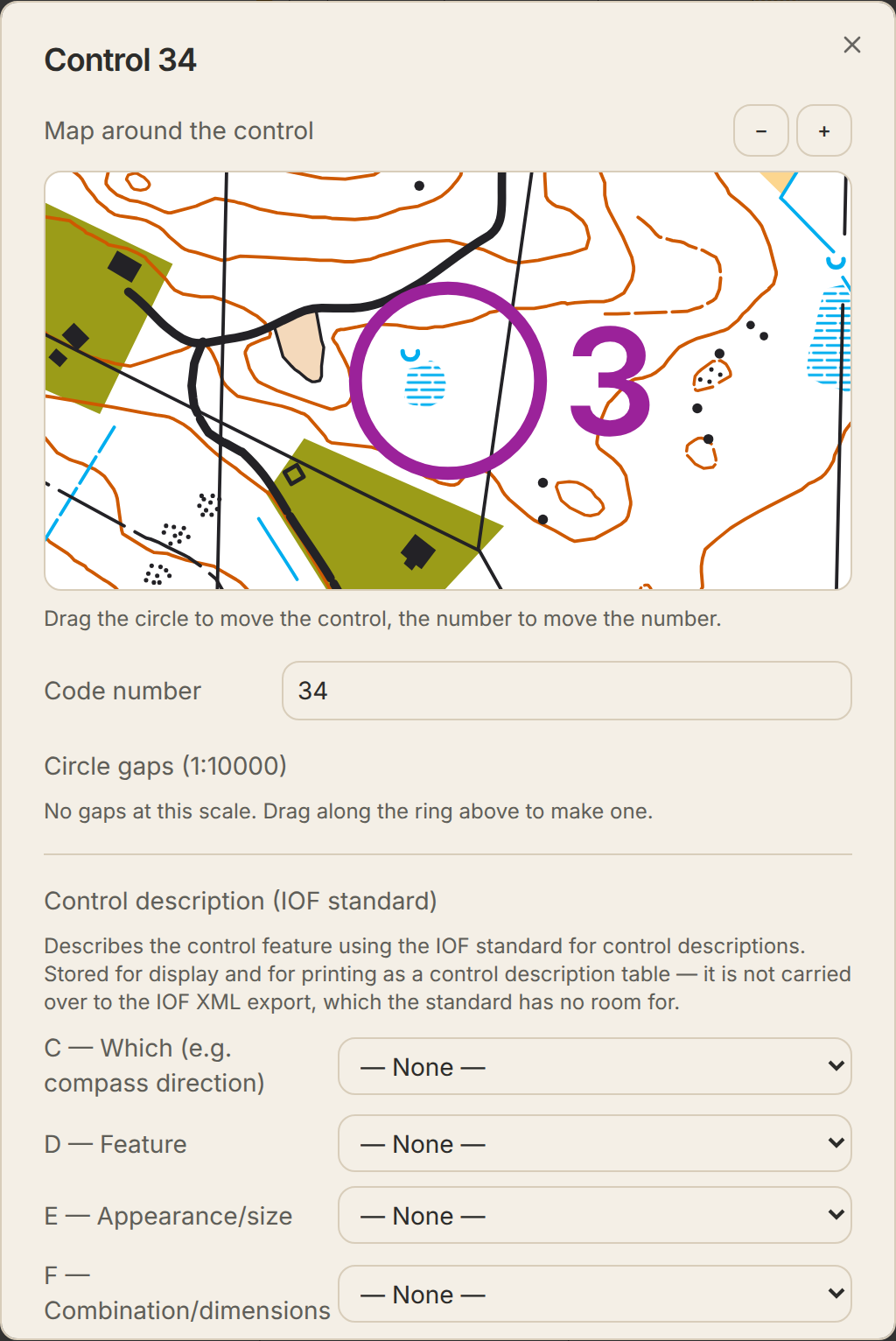
- Code number
- The code on the flag and in the timing system. You can type it straight in the list and press Enter. Two controls with the same code are flagged.
- Control description
- The IOF symbols in columns C–H: which, feature, appearance, dimensions, other detail and special information. The feature (D) comes first; type a few letters to search the pictograms. The other columns are under More columns (C, E–H). For a control between two features, such as two boulders, pick one in D, the other in E and Between in G. Printed as a description sheet, and the feature shows as a pictogram in the list.
- Map around the control
- A zoomed-in view where you drag the circle to move the control and the number to move the number. Zoom with the mouse wheel or + and −.
- Number placement
- Automatic by default. Place automatically brings the automatic position back.
- Order
- Drag a row, or use the arrows, to move the control in the course. A line shows which controls it lands between. Pointing at a row lights the control up on the map.
- Remove from course
- The cross on the row, Delete on a selected row, or the button in the control dialog. If no other course uses the control, it disappears from the map as well.
- Show route choices
- In the control dialog. Shows the fastest sensible routes on the legs to and from the control, at most three, with length, approximate time and how many contours they cross. They are worked out from the map's terrain, paths and contours, and which way is up is guessed from slope lines, lakes, streams and closed contours, so treat them as suggestions. The routes are described under Route choices in the panel on the right, leg by leg, and Show on the map turns the lines on and off. Available for OCAD and Mapper maps, not for PDF.
- Circle gaps, number placement, tape, forking and map exchange are under More in the control dialog. With advanced tools on you paint circle gaps by dragging along the circle in the zoomed-in map.
- Control descriptions are not part of IOF XML — the standard has no room for them — but they go to Purple Pen and into the PDF.